Core Module

Service Request Portal

Give your building occupants a direct line to the maintenance team — no phone queues, no lost emails, no ambiguity. One tap submits a request, smart routing turns it into a work order, and transparent status tracking keeps everyone informed until it is resolved.

Start Free Trial
Person submitting a service request on a mobile device in a modern office
Mobile device showing a clean service request form interface

The Front Door to Maintenance

From Complaint to Work Order — Instantly

In most facilities, the gap between someone noticing a problem and the maintenance team acting on it is filled with friction — phone calls that go to voicemail, emails buried in inboxes, verbal requests lost in shift handovers, and handwritten notes that never reach the right person.

The eWorks Online Service Request Portal eliminates that gap entirely. Occupants — whether they are office tenants, hotel guests, hospital staff, condominium residents, or factory floor supervisors — access a clean, intuitive form from any web browser or mobile device. They select the category, describe the issue, pin the location, attach a photo, and hit submit. Done.

Behind the scenes, the system categorises the request, assigns a priority based on configurable rules, routes it to the correct team or contractor, generates a work order, and sends the requester a confirmation with a tracking reference. The entire process takes seconds, not hours.


Smart Routing

How Requests Become Work Orders

Submit

Occupant fills a guided form — category, location, description, urgency, and optional photo attachment.

Classify

System applies rules to determine category, priority, and SLA based on request type and location.

Route

Work order is generated and assigned to the right technician, team, or contractor based on trade and availability.

Track

Requester receives real-time status updates — acknowledged, in progress, parts ordered, scheduled, completed.

Rate

Once resolved, the requester can rate the service and provide feedback — feeding continuous improvement metrics.

Customer satisfaction and feedback tracking interface

Portal Features

Built for Occupants and Operations Teams

  • Responsive web portal — Works on any device without installing an app. Desktop, tablet, or smartphone — the experience is consistent and fast.
  • Guided category selection — Drop-downs and visual icons guide requesters to the right category, reducing mis-classified requests that slow down triage.
  • Photo attachments — A picture is worth a thousand words. Occupants snap a photo of the issue, and the technician arrives knowing exactly what to expect.
  • Duplicate detection — If three tenants report the same lift fault, the system flags duplicates and links them to a single work order rather than creating three separate jobs.
  • Broadcast notifications — Operations teams can push announcements to portal users — planned shutdowns, scheduled maintenance windows, emergency alerts, and service restoration notices.
  • Satisfaction scoring — Post-completion ratings build a service quality dataset that drives contractor accountability and team performance reviews.
80%
Reduction in phone-based requests
<30s
Average request submission time
4.7★
Average occupant satisfaction
Zero
Requests lost in email chains

Transparency Builds Trust

Why Self-Service Matters for Every Sector

In condominiums, the portal is where residents log complaints about common area issues, track their request status, and see that their maintenance levy is being put to work. Transparency reduces friction at AGMs and builds confidence in the management committee.

In commercial office buildings, tenant satisfaction is directly tied to lease renewal. A slick request portal that provides fast resolution and transparent tracking differentiates your property from the competition — tenants remember how easy it was to get the air conditioning fixed on a Friday afternoon.

In hospitality, the portal can serve as a back-of-house tool for housekeeping and front desk staff to log engineering requests — leaky faucets in room 412, a broken pool heater, a malfunctioning card reader — without disrupting guest-facing operations.

In defence and industrial settings, the portal streamlines the process of converting floor-level observations into formal work requests with the correct classification, safety tagging, and authorisation chain built in from the start.

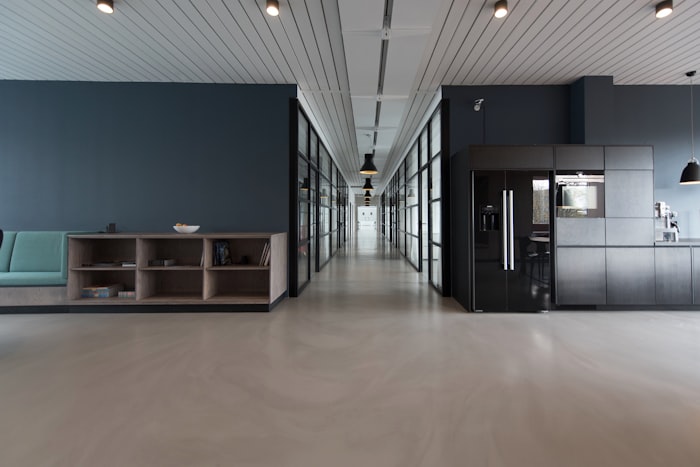
Modern office building lobby representing commercial facility management

Explore More

Related Capabilities

Give Your Occupants a Voice

The eWorks Online Service Request Portal turns occupant frustration into structured, trackable action — and transparency into trust.